






What is this?
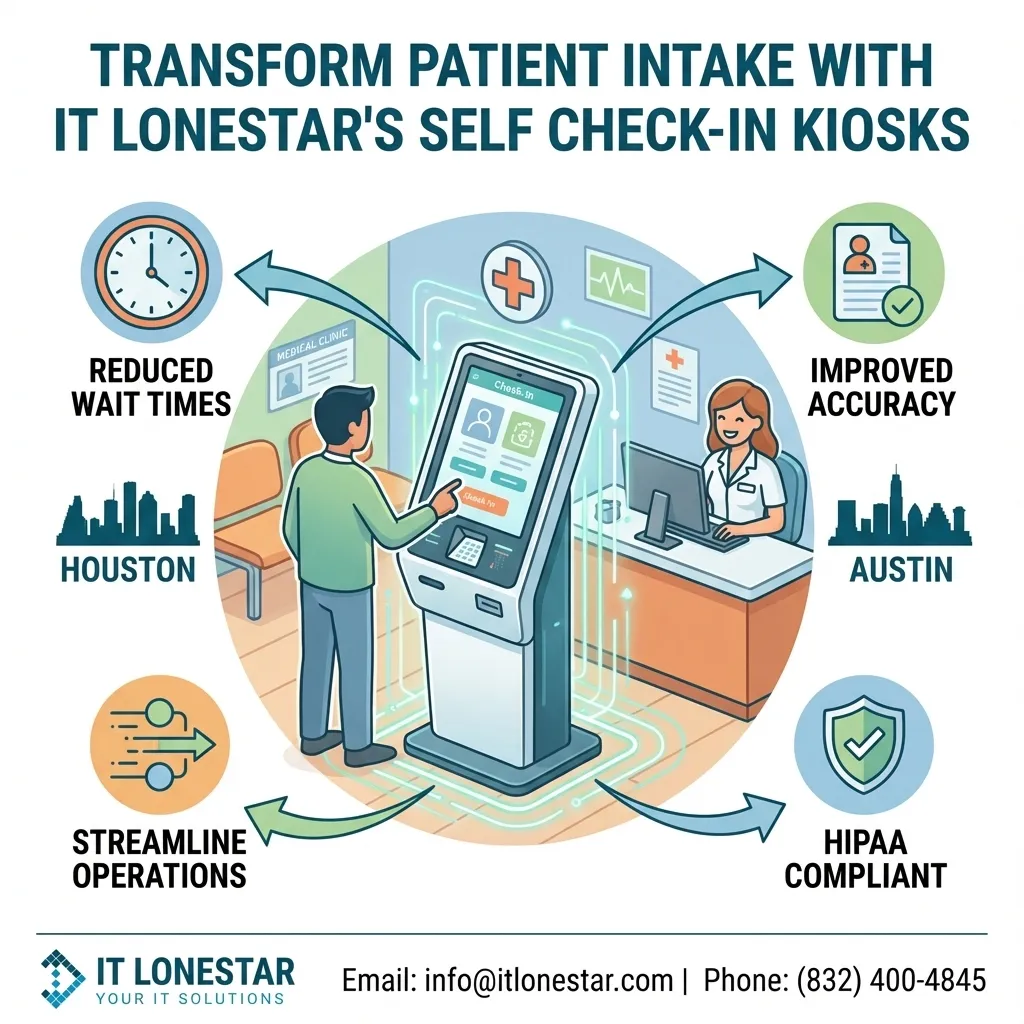
This is an educational and promotional article explaining how IT LONESTAR designs, deploys, and supports self check-in kiosk solutions for small and medium-sized medical clinics in Houston and Austin. The focus is on how these kiosks transform patient intake, streamline front-desk operations, reduce wait times, and improve accuracy in patient data capture while staying compliant with healthcare privacy requirements.
Why this happens
Small practices and specialty clinics in Houston and Austin are under pressure to do more with less: staffing is tight, patient expectations are higher, and insurance and billing requirements keep getting more complex. Traditional paper-based or manual intake processes cause long lines at reception, repeated data entry, frequent errors in insurance details, and frustrated patients. Many clinics also use outdated or poorly integrated systems that make front-desk work slow and error-prone.
IT LONESTAR saw these recurring issues while supporting clinics across the Houston metro and Greater Austin areas. Clinics needed an affordable, secure way to automate basic intake tasks without replacing their entire EHR/EMR environment or disrupting workflows. That is why IT LONESTAR developed a specialized self check-in kiosk solution tailored to the needs, budgets, and compliance requirements of small clinics in Texas.
How we fix it
IT LONESTAR addresses these challenges with an end-to-end self check-in kiosk solution purpose-built for small and mid-sized clinics in Houston and Austin:
1. Assessment and Workflow Design
- Onsite or remote discovery with administrators and front-desk staff in Houston and Austin clinics.
- Mapping of current intake steps (arrival, forms, ID/insurance capture, co-pays, consent, updates) and identifying bottlenecks.
- Definition of what the kiosk will handle (new patient registration, returning patient check-in, insurance updates, payment, digital signatures).
2. Hardware Tailored to Small Clinics
- Compact kiosks that fit in limited waiting rooms or corridors, with secure mounts or pedestals.
- Options for wall-mounted tablets, floor-standing kiosks, or countertop stations, ideal for clinics with tight Houston or Austin office layouts.
- Integrated ID and insurance card scanners, payment terminals, receipt printers, and privacy screen filters.
3. Secure, HIPAA-Aware Software and Integrations
- Custom kiosk interface branded for the clinic, available in English and Spanish for diverse Houston and Austin patient populations.
- Secure patient lookup (name, DOB, mobile number) and automated check-in linked to existing EHR/EMR or practice management systems.
- Encrypted data transfer, automatic logoff, and role-based access aligned with HIPAA and Texas privacy requirements.
- Smart forms to capture demographics, medical history updates, consent forms, and questionnaires directly into the clinic systems, reducing manual re-entry.
4. Reduced Wait Times and Front-Desk Load
- Multiple patients can check in simultaneously on separate kiosks, drastically cutting lines at the reception desk.
- Front-desk staff in Houston and Austin clinics can focus on complex issues, phone calls, and high-touch patient support rather than repetitive data entry.
- Automatic alerts to staff when a patient finishes check-in, signs a consent form, or flags a billing or clinical issue.
5. Payment, Co-Pays, and Insurance Accuracy
- Integrated payment processing for co-pays and outstanding balances at the kiosk, with digital receipts.
- Insurance card image capture and OCR (where supported) to minimize errors and incomplete data.
- Automated prompts when coverage details are missing or outdated, helping Houston and Austin clinics reduce claim denials.
6. Accessibility and Patient Experience
- Large, clear touch targets, multi-language support, and guided flows for elderly or less tech-savvy patients.
- Optional voice prompts, height-adjustable stands, and ADA-conscious layouts for accessible self-service.
- Queue status displays and SMS notifications integrated through IT LONESTAR so patients know where they are in line.
7. Implementation, Security, and Support by IT LONESTAR
- Turnkey project delivery: hardware procurement, configuration, network setup, and testing in your Houston or Austin clinic.
- Secure network segmentation, VLANs, and content filtering to protect PHI and keep kiosks isolated from guest Wi-Fi.
- Ongoing remote monitoring, patching, and updates by IT LONESTAR, with rapid onsite support when needed.
- Training for front-desk and administrative staff plus simple SOPs and quick-reference guides.
8. Measurable Outcomes for Houston and Austin Clinics
- Shorter check-in times and fewer bottlenecks during peak hours.
- Reduced data entry errors, cleaner records, and better billing accuracy.
- Higher patient satisfaction due to faster service and modern, self-service options.
By combining local onsite presence in Houston and Austin with deep healthcare IT experience, IT LONESTAR turns self check-in kiosks into a practical, affordable transformation of patient intake rather than just another piece of technology.