





What is this?
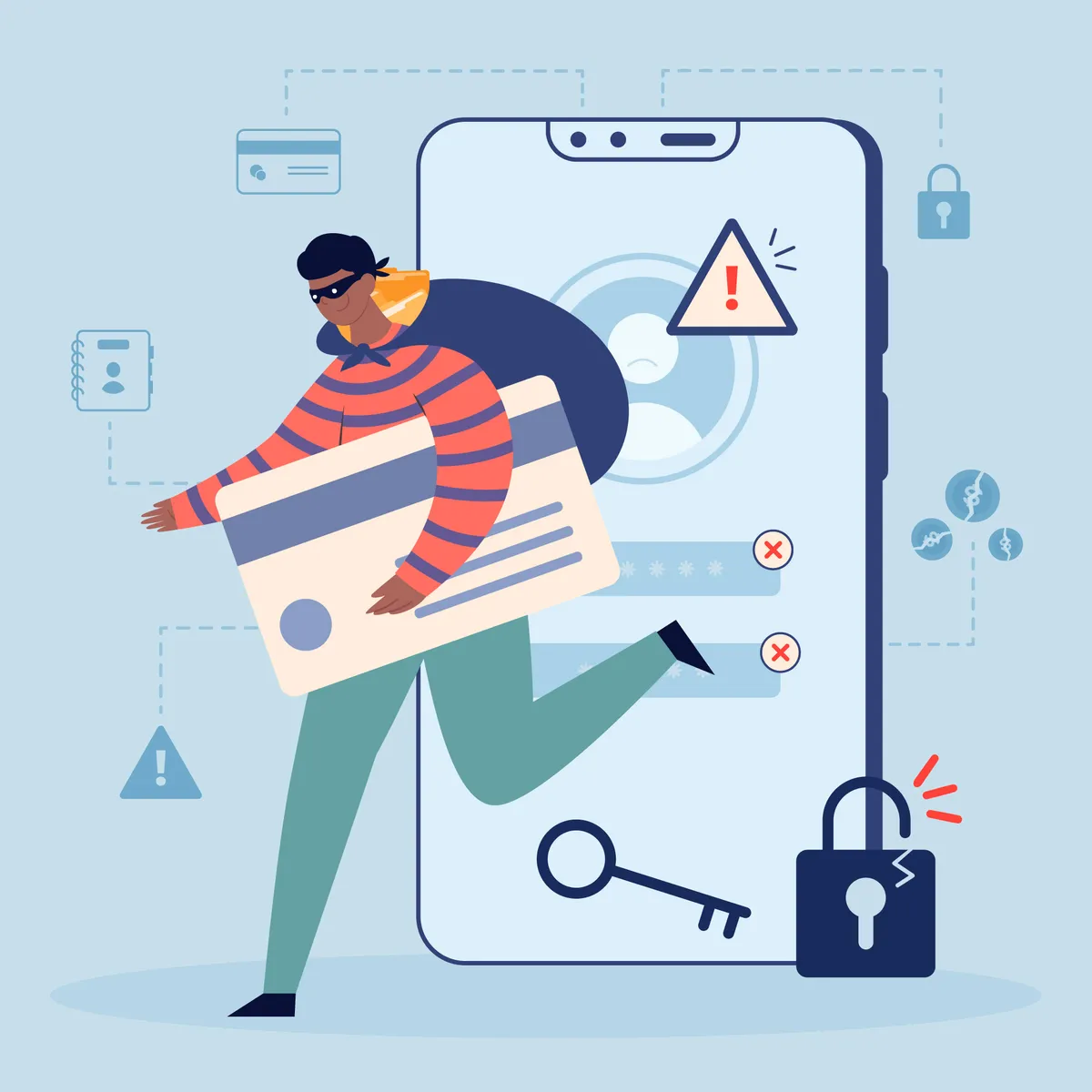
Phishing is a deceptive technique where attackers impersonate trusted brands, colleagues, banks, or service providers to trick you into revealing personal information, passwords, or payment details. Identity theft happens when that stolen data is used to access your accounts, open credit lines, or impersonate you. Today’s scams go far beyond clumsy emails. They arrive through SMS (smishing), voice calls (vishing), social media DMs, fake login pages, QR codes, browser pop‑ups, and even calendar invites. Criminals use look‑alike domains, urgent language, and AI‑crafted messages that closely mimic real communications. In fast‑growing tech hubs like Austin and Houston, attackers often tailor lures around local utilities, delivery services, payroll portals, and event tickets. If a message asks you to click, download, or “verify” urgently, assume it could be malicious. Protecting yourself requires layered defenses across your identity, devices, and home network, plus practical habits that make you a hard target.
Why this happens
Phishing succeeds because it exploits trust, urgency, and small gaps in everyday security. Common risk factors include reused passwords, weak or absent multi‑factor authentication (MFA), outdated operating systems and routers, unsecured public Wi‑Fi, and oversharing personal details on social media. Data breaches at well‑known services can expose your email and partial credentials, giving attackers a head start crafting convincing messages. Work‑from‑home and hybrid schedules in Austin and Houston increase reliance on personal devices and home networks, which may be less protected than corporate environments. Attackers also capitalize on local events, storms, utility notices, and delivery delays to make their messages feel timely and credible. Finally, busy inboxes cause “click fatigue,” where a single hurried tap bypasses caution. Without a plan, a mistake can lead to account takeover, financial loss, or long recovery cycles as you dispute charges, lock down identities, and restore devices.
How we fix it
IT LONESTAR IT Solution in Austin and Houston helps individuals build resilient, practical protection against phishing and identity theft. We start with a personal cyber hygiene audit to map your accounts, devices, Wi‑Fi, and risk exposure. Next, we set up a password manager and convert reused passwords into unique, strong ones. We enable MFA and passkeys wherever available, and harden your email and browsers with anti‑tracking and safe‑link settings. At home, we secure Wi‑Fi with WPA3, update router firmware, separate guest and IoT networks, and add privacy‑first DNS filtering. Your devices get modern endpoint protection, automatic updates, disk encryption, and safe backup routines (3‑2‑1 strategy) to recover from mistakes or ransomware. We provide bite‑size phishing awareness coaching and realistic simulations so you can recognize red flags before you click. For added assurance, we turn on breach monitoring and dark web watch for your primary emails, then create a simple incident response plan: how to isolate a device, change credentials, freeze credit, and verify recovery. If something goes wrong, our local Austin and Houston team offers rapid support to contain the issue and restore normal. Book a friendly 15‑minute security checkup and leave with a clear, prioritized action plan tailored to you.