





What is this?
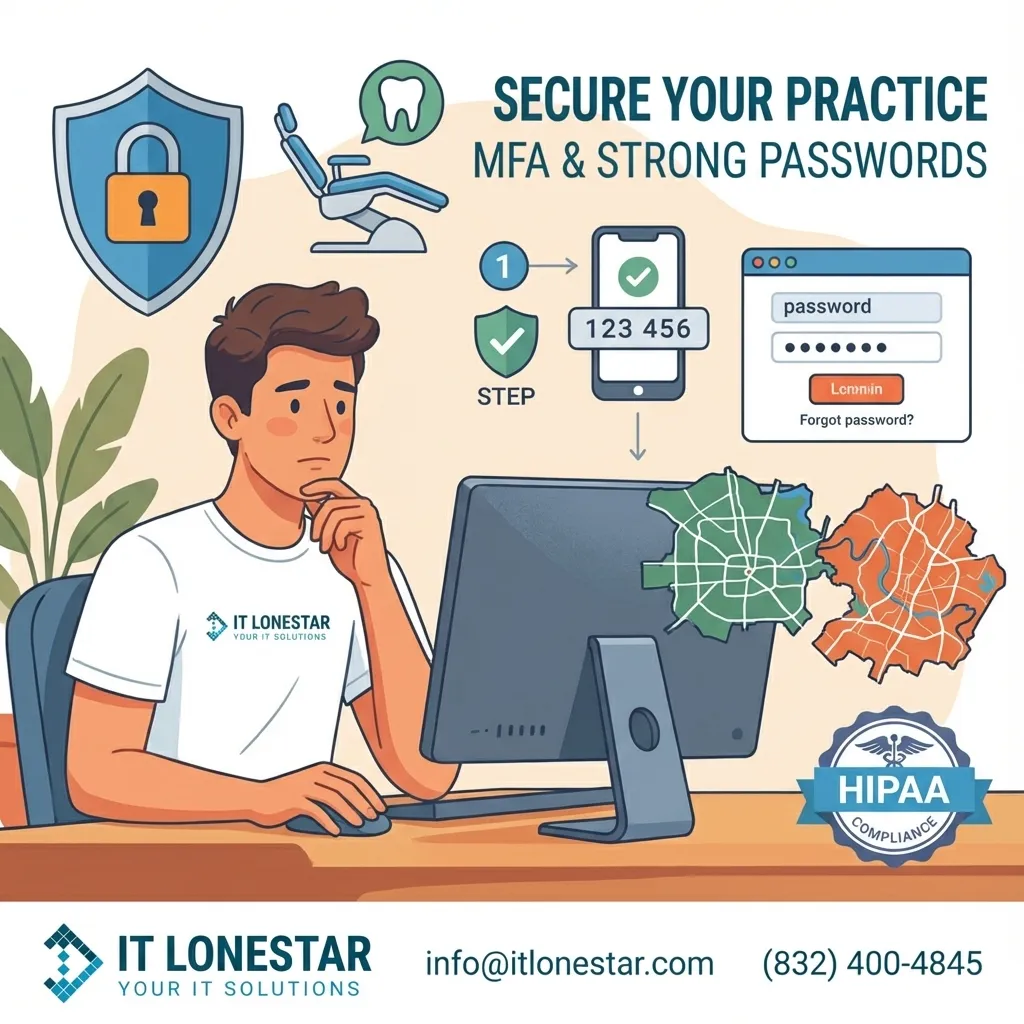
This is an educational and promotional article for dental practices in Houston and Austin explaining how IT LONESTAR helps protect clinics with strong password policies and multi-factor authentication (MFA). It focuses on practical, real-world guidance tailored to HIPAA-regulated dental environments, showing why passwords and MFA are critical to securing patient data and daily operations.
Why this happens
Dental practices in Houston and Austin are increasingly targeted by cybercriminals because they hold valuable, sensitive patient data and often run on older, poorly secured systems. Many offices still rely on weak passwords, shared logins, and no MFA, which makes it easy for attackers to break in through phishing emails, stolen credentials, or compromised remote access. At the same time, HIPAA requirements and insurance carriers now expect stronger security controls. Without proper password management and MFA, a single compromised account can lead to data breaches, ransomware, downtime, and reputational damage—especially for small and mid-sized practices without dedicated IT staff. These risks have pushed clinics to seek specialized IT partners like IT LONESTAR in Austin and Houston to design and enforce modern access controls.
How we fix it
IT LONESTAR secures dental practices in Houston and Austin by combining clear password standards, enforced policies, and layered MFA across all critical systems.
1. Password Policy Tailored for Dental Clinics
- Minimum length: We set a minimum of 14 characters for staff and administrator accounts.
- Passphrases over complexity: Instead of hard-to-remember random strings, we promote easy-to-remember phrases like “GreenToothBrush!Morning2025”.
- Unique accounts: Every staff member—front desk, hygienists, dentists, billing—gets their own login for EHR/PM, imaging, email, and remote tools.
- No reuse: We block the use of passwords that have appeared in known breaches and discourage reusing personal passwords at work.
- Rotation logic: Instead of forcing frequent changes that lead to weak patterns, we recommend changing passwords only when risk-based triggers occur (suspicious login, role changes, or incident response), supported by monitoring.
2. Centralized Password Management
- Secure password managers: We deploy business-grade password managers so your team can store long, random passwords without writing them on sticky notes or notepads at the front desk.
- Role-based access: Shared resources (Wi‑Fi admin, vendor portals, insurance logins) are stored in vaults with permissions mapped to job roles.
- Onboarding and offboarding: IT LONESTAR integrates password management into your HR flow. New hires receive only the access they need; departing staff have their access removed the same day.
3. Multi-Factor Authentication Everywhere It Matters
- Prioritized systems: We enable MFA on email, practice management/EHR systems, imaging, remote access (VPN/RDP), cloud backups, and any financial platforms.
- Strong MFA methods: We favor app-based authenticators and hardware keys over SMS when possible, due to SIM-swap and phishing risks.
- Conditional access: From Houston to Austin offices, we can require MFA only when risk is higher (new device, unusual location, or after business hours) to keep workflows efficient.
4. Secure Remote Access for Multi-Location Practices
- Encrypted VPN: IT LONESTAR configures secure VPN connections for providers who work between Houston and Austin locations or review charts from home.
- Locked-down RDP: We disable exposed Remote Desktop Protocol from the open internet and replace it with secure gateways plus MFA.
- Geo and IP controls: Optional restrictions allow access only from approved countries or offices.
5. Training and Phishing-Resistant Culture
- Staff training: We conduct short, focused sessions showing real phishing examples seen in Texas dental offices, teaching staff how passwords are stolen in practice.
- MFA awareness: We teach teams how to recognize MFA fatigue attacks (multiple push prompts) and what to do if they see unexpected prompts.
- Clear procedures: IT LONESTAR creates written policies in plain English so everyone knows how to create passwords, store them, and report suspicious activity.
6. Continuous Monitoring and Compliance Support
- Login monitoring: We set up alerts for failed login storms, unusual access from outside Texas, and logins to critical systems without MFA.
- HIPAA-aligned controls: Password and MFA configurations are aligned with HIPAA Security Rule expectations and can be documented for auditors and cyber insurance.
- Regular reviews: Quarterly reviews verify that accounts for former employees are closed, MFA is still enforced, and password policies match your current risk profile.
By combining strong passwords, centralized management, and robust MFA, IT LONESTAR reduces the chance that stolen credentials will lead to a breach, giving dental practices in Houston and Austin a secure, compliant foundation for daily operations.